
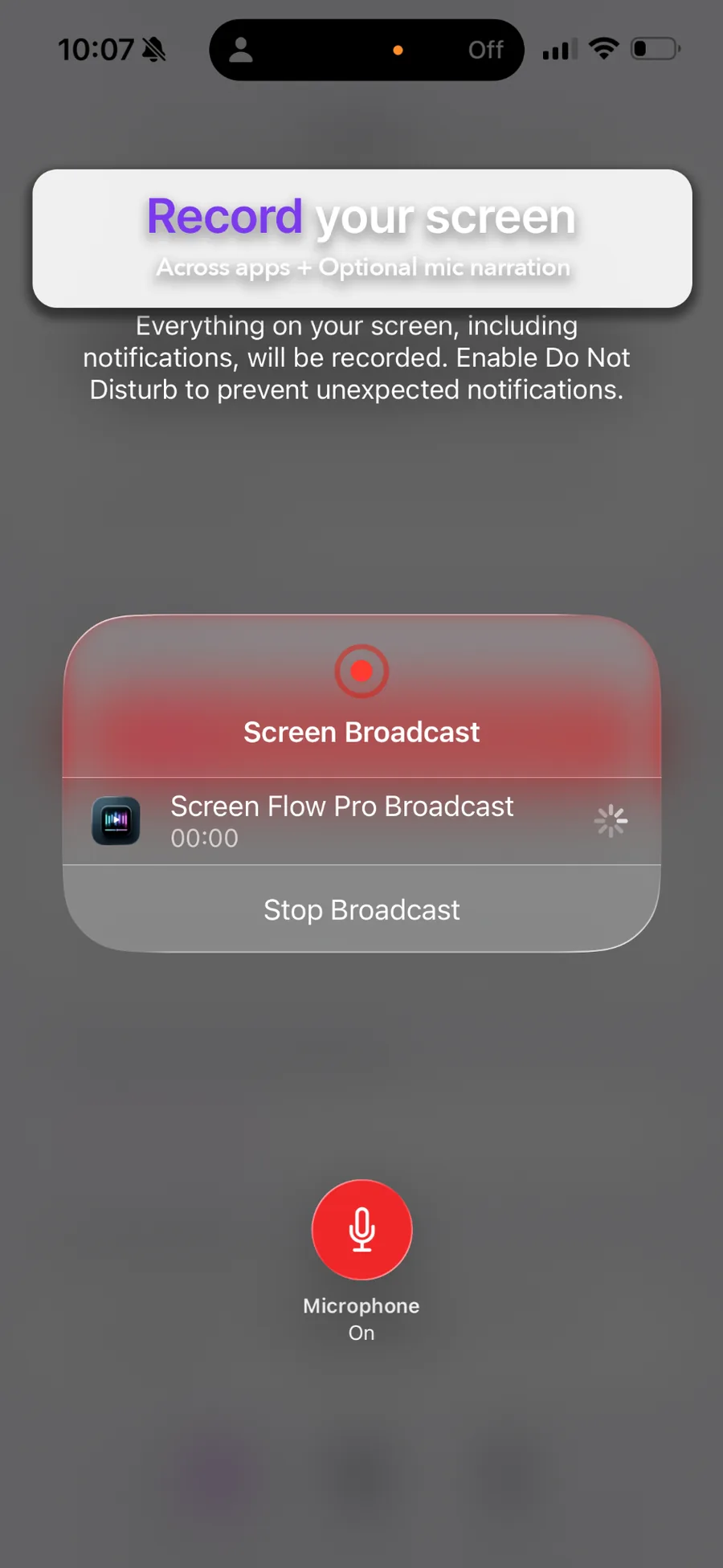
Record across apps.
Then Mark what matters.
Screen Flow Pro captures your screen with a Broadcast Extension, saves it as a Session, and gives you a fast editor: pinned preview, timeline scrub, markers, keywords, and exports that just work.
No data collected • No account required • iPhone, iPad + Mac
Pro can generate a share-ready support bundle: video evidence + timecoded transcript + markers — designed for reliable sharing in Messages.

Product tour
See the workflow in action—sessions, markers, exports, and Bug Report Mode.
Built for real workflows
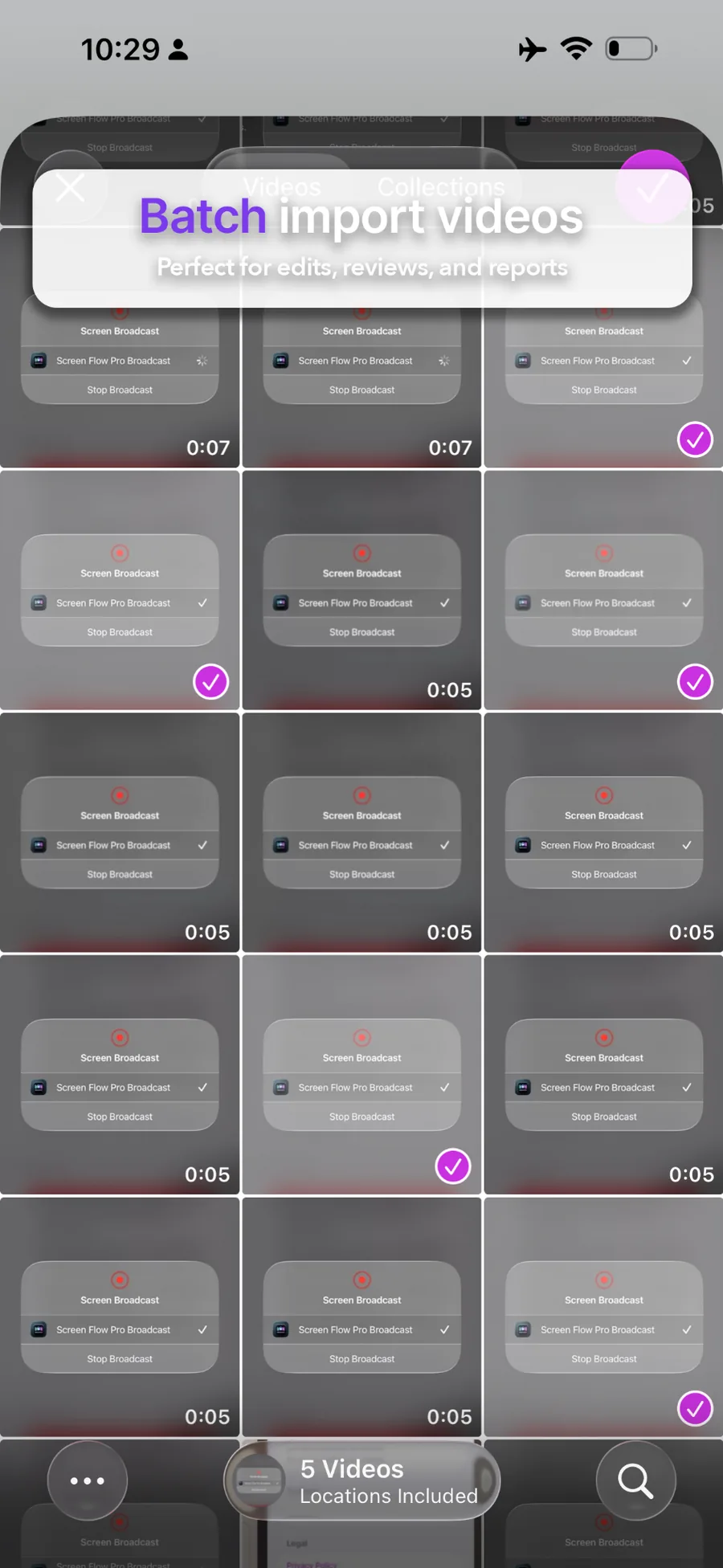
Whether you're reporting bugs, documenting a process, or building a tutorial — Sessions keep everything organized.
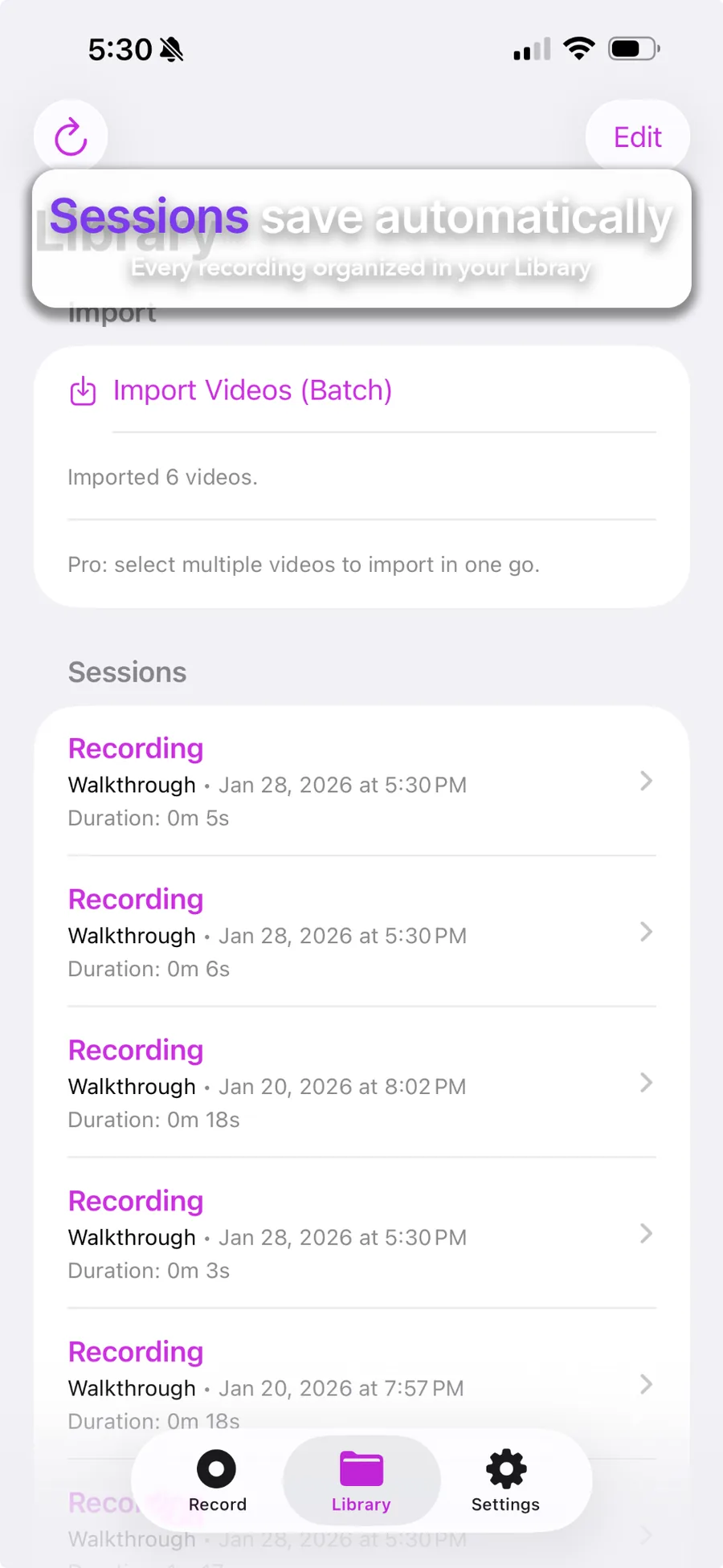
Library that stays clean
Every recording becomes a Session you can title, tag, and revisit later — no more mystery files.
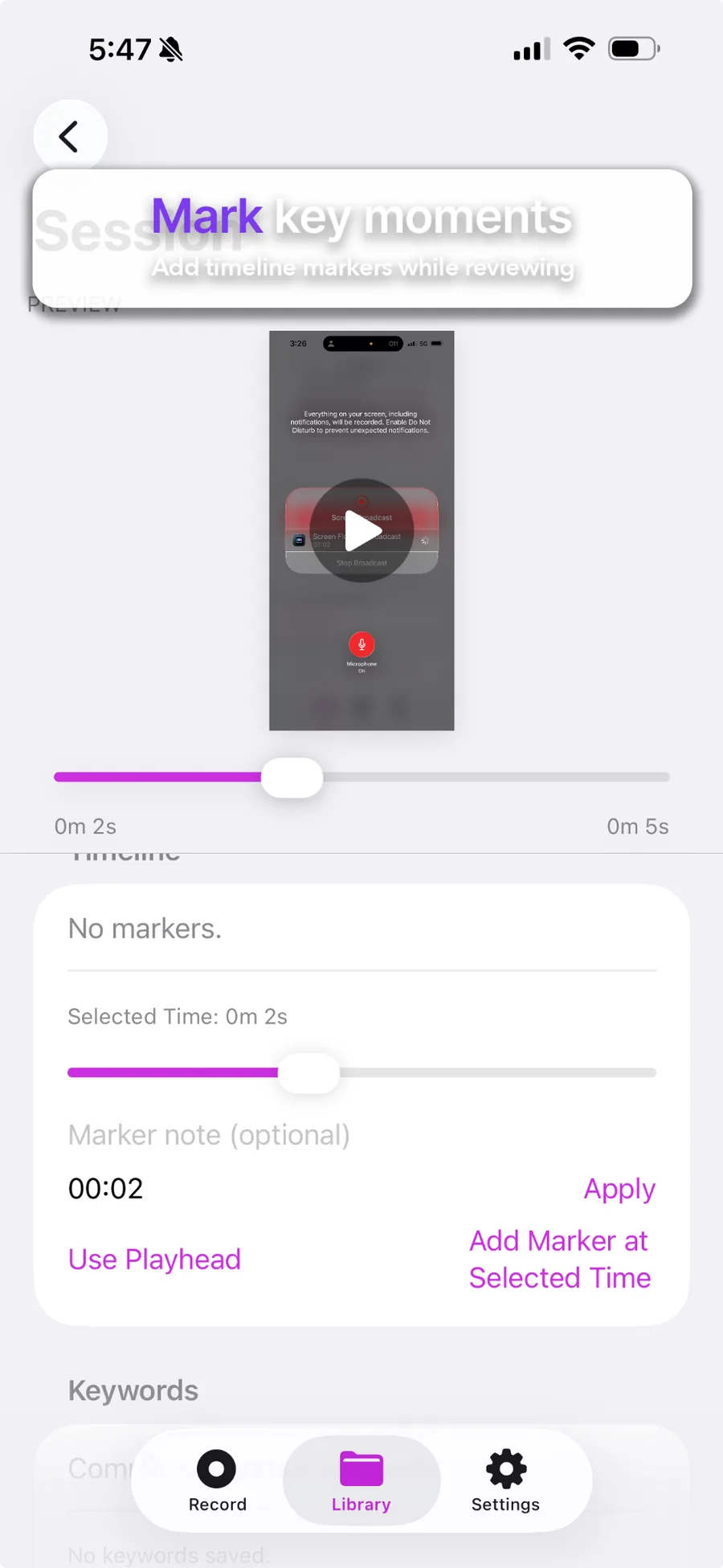
Scrub + markers
Pin the preview at the top, scrub fast, and add markers so you can jump right to the moment.
Find it later
Pro keyword tagging helps you search your own library by project, client, or topic.
Share-ready support bundles
Transcript + timecodes + markers + video — packaged for high share success in Messages.
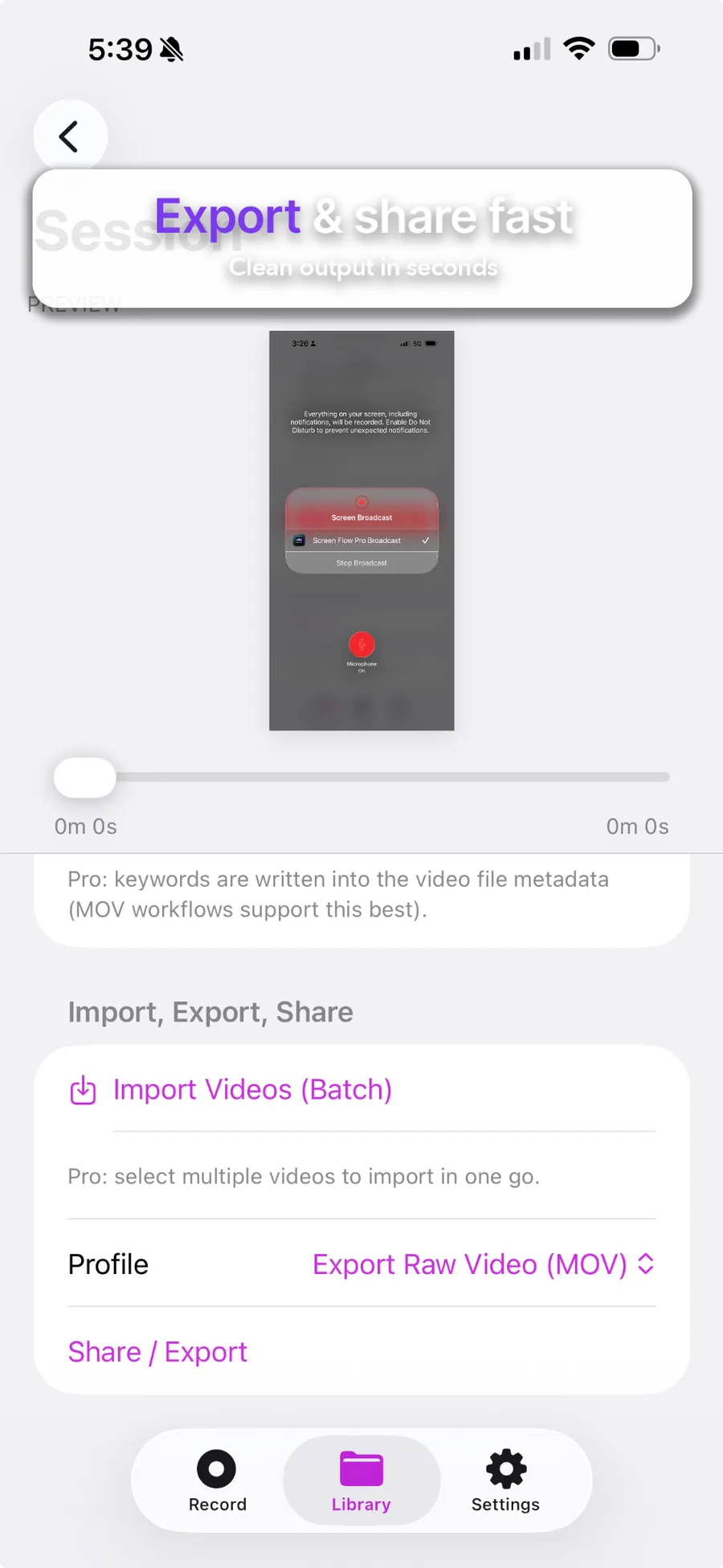
Formats that just work
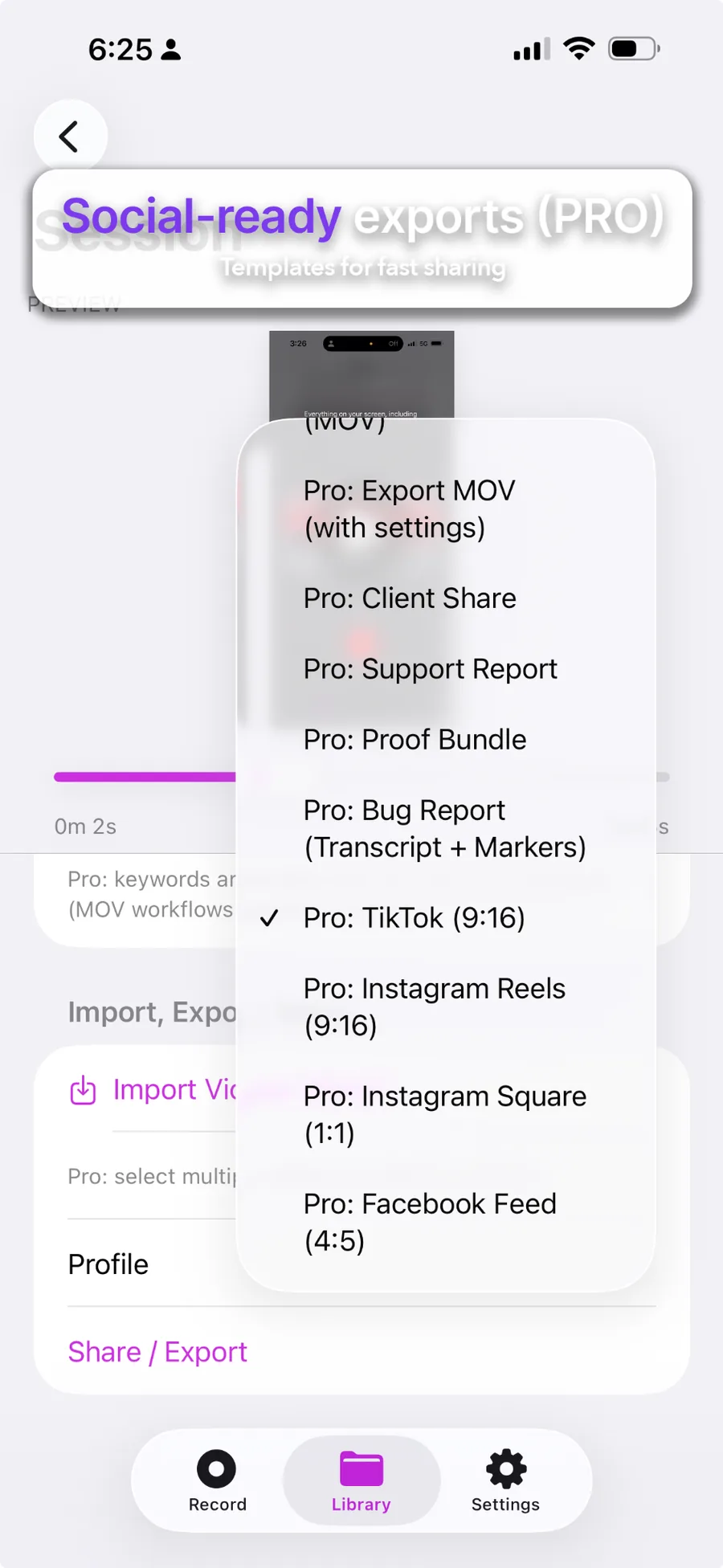
Free export covers the basics. Pro unlocks full quality + workflow presets for different destinations.
PiP reactions
Watch your recording while capturing your facecam — then export a picture‑in‑picture video.
Walkthrough video
A quick tour: Record → Mark → Export (including Bug Report Export).
Why teams use it
- Sessions keep recordings organized automatically.
- Markers make issues easy to reference (“at 00:33”).
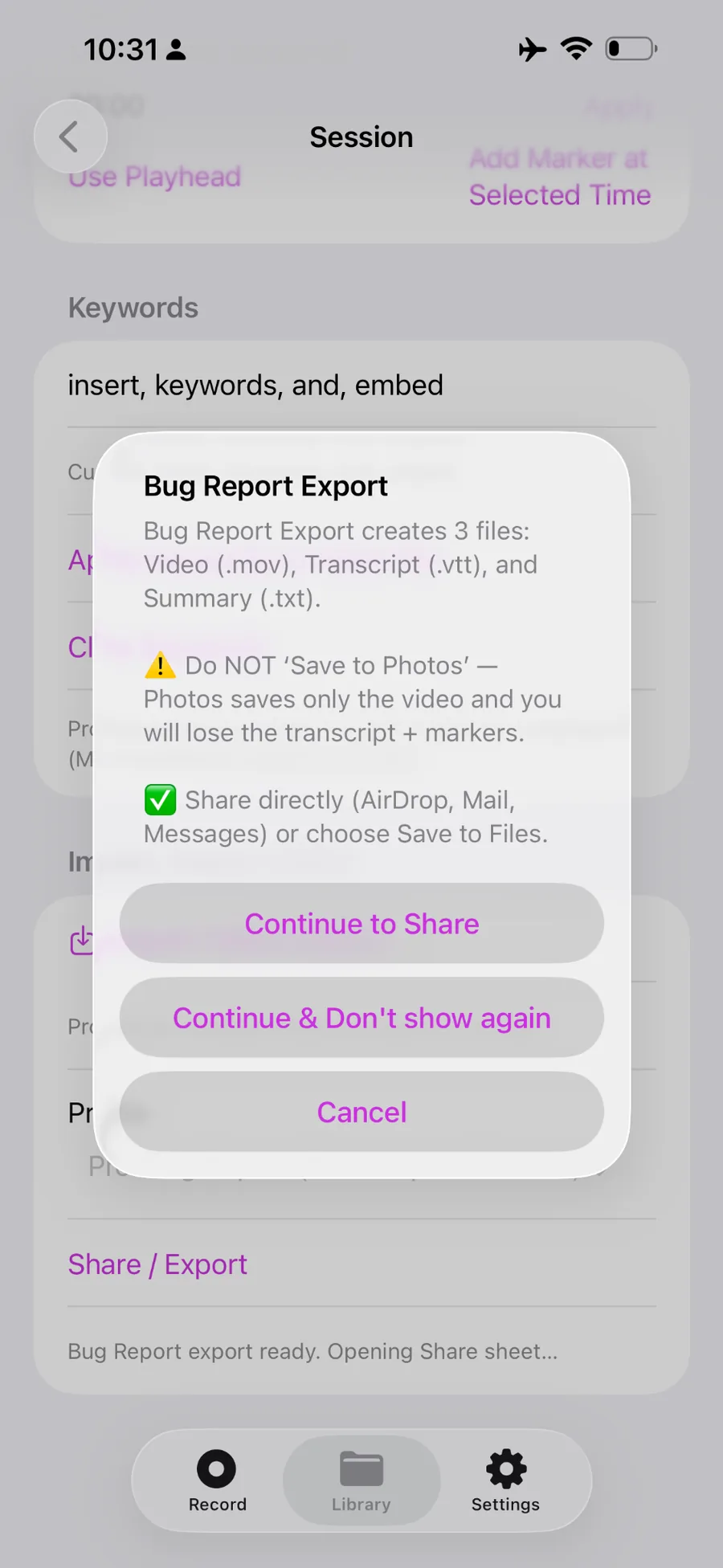
- Bug Report Export bundles video + transcript + summary for sharing.
Trial is an Apple introductory offer for eligible new subscribers. Auto‑renews at $29.99/year unless canceled.
Screen Flow Pro:
Desktop for Mac
The same Sessions-first workflow you know from iPhone and iPad — now native on macOS. Record your Mac screen, organize into Sessions, mark key moments, and export fast.
What's included
Mac screen capture
Full-screen or window — organized into Sessions automatically.
Library that stays clean
Title, tag, and revisit every recording from your library.
Timeline markers
Mark key moments during review — timestamps travel with the export.
Workflow exports
Presets for client handoffs, bug reports, and social formats.
FAQ
Quick answers that help users decide — and help Google understand your product.
Does it record across any app?
Yes. It uses a Broadcast Upload Extension so you can record your screen while using other apps.
What is “Say mark”?
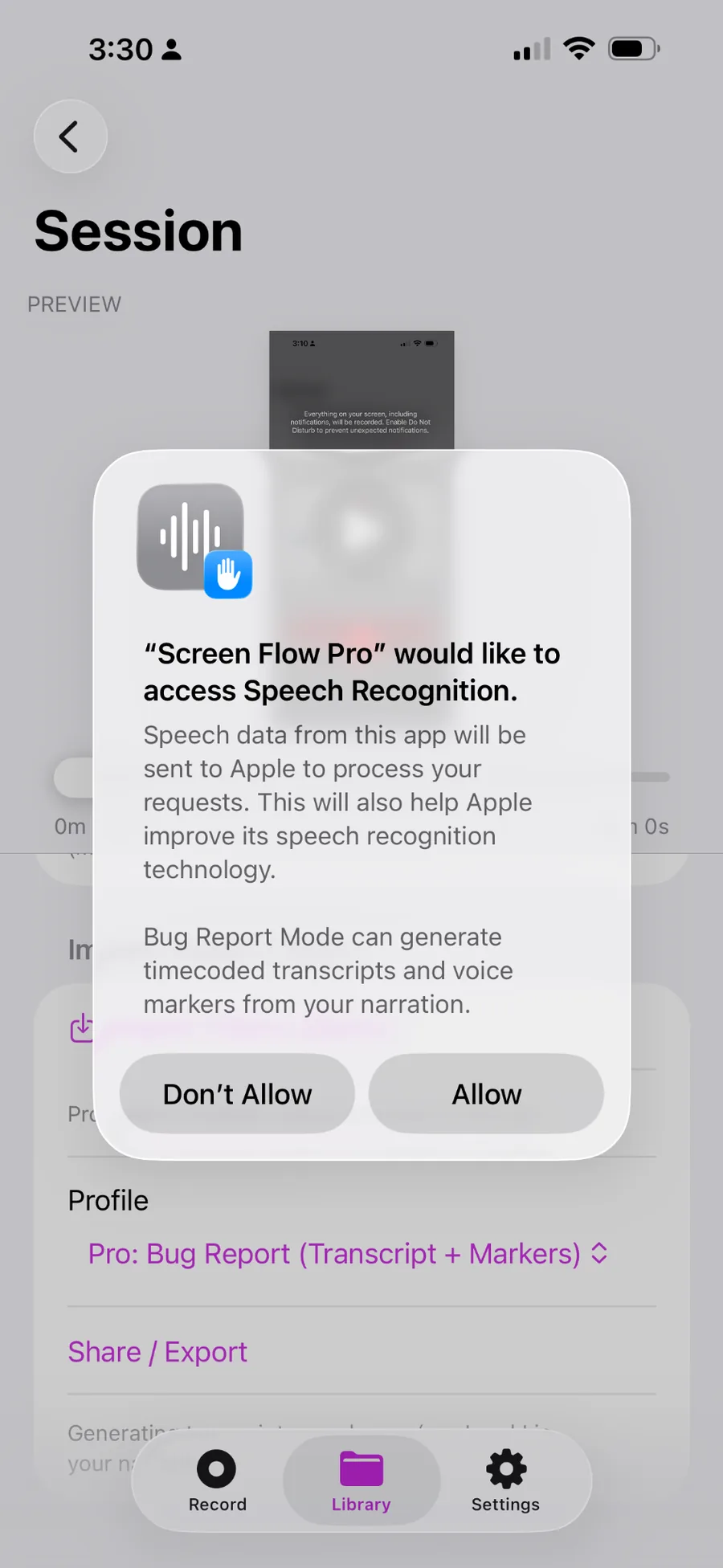
In Pro Bug Report Mode, speech recognition can detect the keyword “mark” and turn it into a timeline marker with a timestamp.
Tip: Allow Speech Recognition if you want timecoded transcripts + voice markers in Bug Report Mode.
What’s included in Pro?
Full-quality exports, advanced workflows/presets, keyword tagging, and Bug Report Mode (transcript + markers). Creator Mode (PiP facecam) is included in Pro.
Does the app work on iPad?
Yes — Screen Flow Pro supports iPhone and iPad with iOS/iPadOS 16 or later.
How should I share Bug Report exports?
Bug Report Export creates multiple files (video + transcript + summary). Don’t use “Save to Photos” or you’ll lose the transcript/markers—share directly (AirDrop/Mail/Messages) or Save to Files.